2D Map
Floors, availability, accessible seats and exact seat selection.
Seat maps and ticketing for stadiums, arenas and large concerts. Buyers go from the whole bowl to a section to an exact seat without getting lost, and web, mobile, partner and box office sales all share one live inventory. Try the public 200,000-seat stadium.
Discuss a large venue →Tested on public venue files with simulated buyers, September 2026. How we measured loading · How we measured buyers · Every run on GitHub
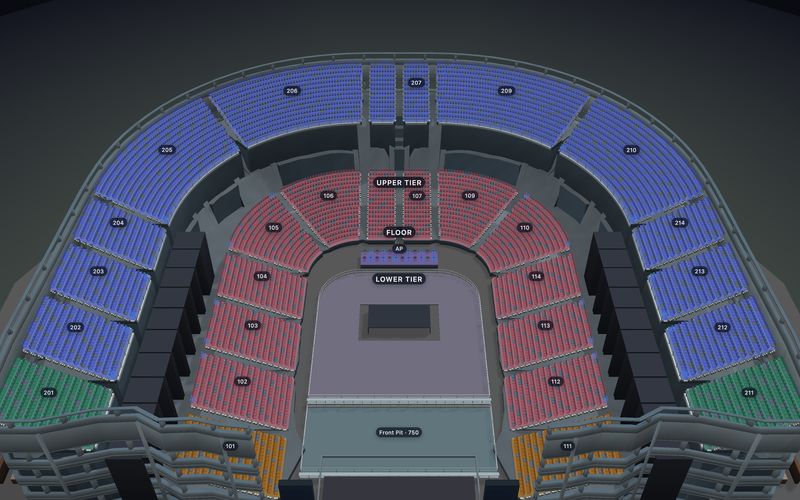
A 60,000-seat bowl is too much to take in at once. Buyers start with the part of the venue, zoom into a section, then pick their exact seats. The map shows only the detail that helps at each step.
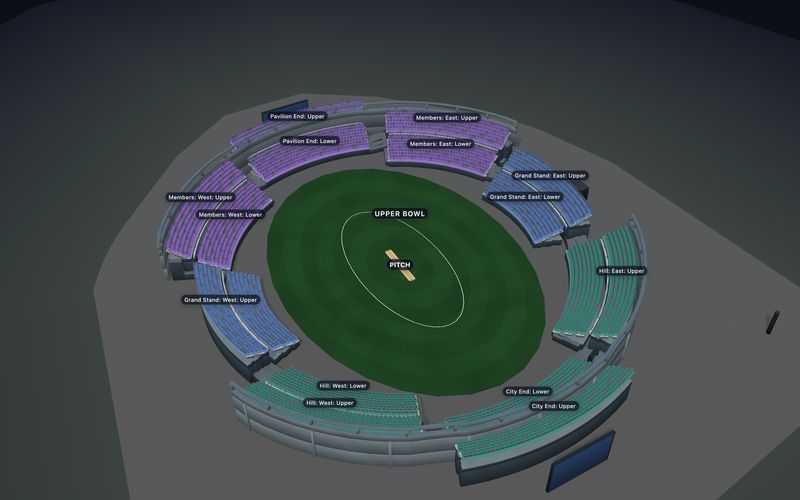
Lower bowl, upper deck, a named stand or your own zones. Buyers see where to look first.
THE WHOLE VENUESection names, prices and what is still free stay readable before the rows appear.
ONE SECTIONUp close, every seat shows its label, price, access needs and whether it is free, held or sold.
ONE EXACT SEAT3D helps buyers get their bearings. They can fly to a seat in 3D and see the view, while the same seats stay selectable on the 2D map.
See the view from a seat →Floors, availability, accessible seats and exact seat selection.
Height, levels and direction, loaded when a buyer asks for it.
Both views read the same event inventory and return the same selected seats.
Draw the venue once. Floors, sections, seats and prices feed both the flat map and the optional 3D view.
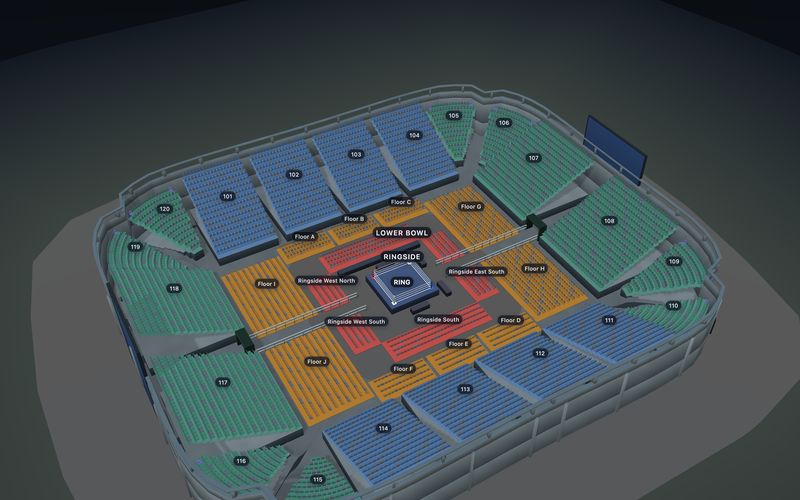
Big venues stay easy to edit when the chart follows the building.
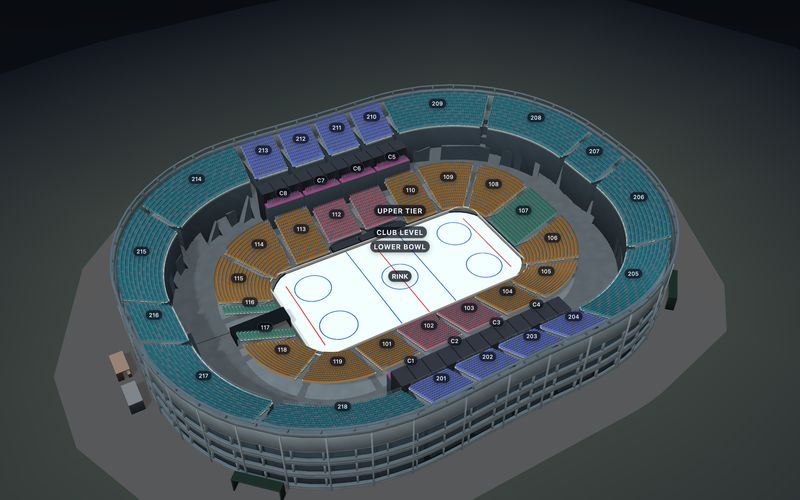
Edit the lower bowl, club level and upper deck separately. They all publish together and sell as one event.
Draw the section outline, set the seat count and spacing, and the rows are laid out for you. Every row stays editable.
Every seat label is unique, and once a chart is live, edits that would break sold tickets are blocked.
Close a section, hide a deck, or release seats later. Buyers and staff see the change at once, on the same event.
Change a section straight away. Hidden seats leave the map; closed seats stay visible but cannot be bought.
Keep seats hidden until a set time, then release them without touching the chart.
Open the next section automatically once the current ones are, say, 90% sold.
Take camera positions, sponsor seats or broken seats off sale one by one.
Running the house? Staff get short-lived access to only the controls their role needs. No account secret key belongs in the browser.
See the box-office workflow →Big events rarely sell through one door. Set aside seats for sponsors, agencies, presales and the box office, invite each partner with their own login, and watch every channel sell from the same live seat map. It works whether you sell with SeatLayer or through your own checkout with the SDK.
Buyers orbit your stadium or arena in 3D and jump into any seat for a stadium seat view before they pay: the pitch, court or stage from there, with section, row and seat number. It comes from the same chart you sell from, for venues up to 60,000 seats.
 Sit here, live
Stadium, upper tierSouth Stand Upper, Row GHalfway line, looking over the whole pitch.
Sit here, live
Stadium, upper tierSouth Stand Upper, Row GHalfway line, looking over the whole pitch.
 Sit here, live
Stadium, lower tierSouth Stand Lower, Row LClose to the touchline.
Sit here, live
Stadium, lower tierSouth Stand Lower, Row LClose to the touchline.
 Sit here, live
Arena, upper bowlUpper Bowl B, Row 10G, Seat 23The whole bowl and the centre stage below.
Sit here, live
Arena, upper bowlUpper Bowl B, Row 10G, Seat 23The whole bowl and the centre stage below.
See every 3D feature on the 3D seat map page, or try more seats on view from seat.
Open a real bowl, rename the sections and scale it to your venue. Every template is free to edit.
Still have a question? or email hello@seatlayer.io.
Try the public 200,000-seat buyer journey, then discuss your venue, peak on-sale workload and support requirements.