Keep it as a file.
The free maker saves in this browser and downloads PNG, PDF or JSON. It does not sell tickets.
Use the free seating chart maker →Concert arenas, hockey rinks, basketball courts, boxing rings and stadiums for football, rugby, cricket and baseball, from a school gym to 200,000 seats. Every one is a real published chart you can open, edit and sell from.
 3D view

Arenas first, then stadiums and grandstands. Each one is a real published chart: open it in the Designer, or try it the way a buyer would.
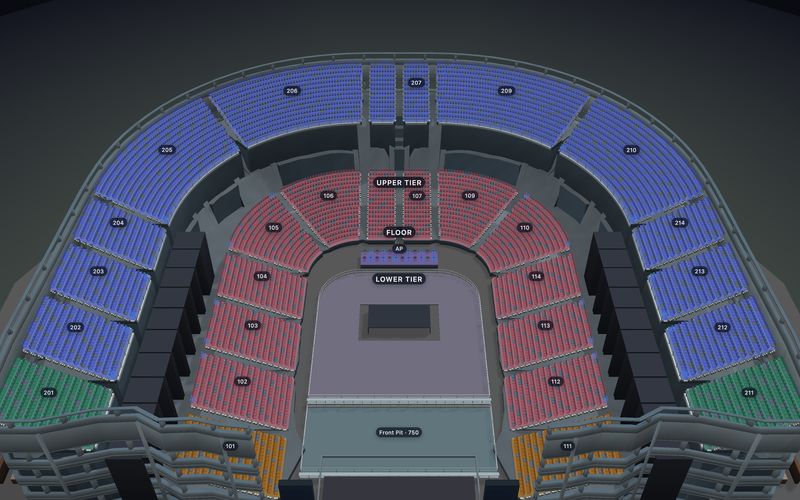
3D11,880 seats
Stage at one end, standing floor and a front pit.
 3D
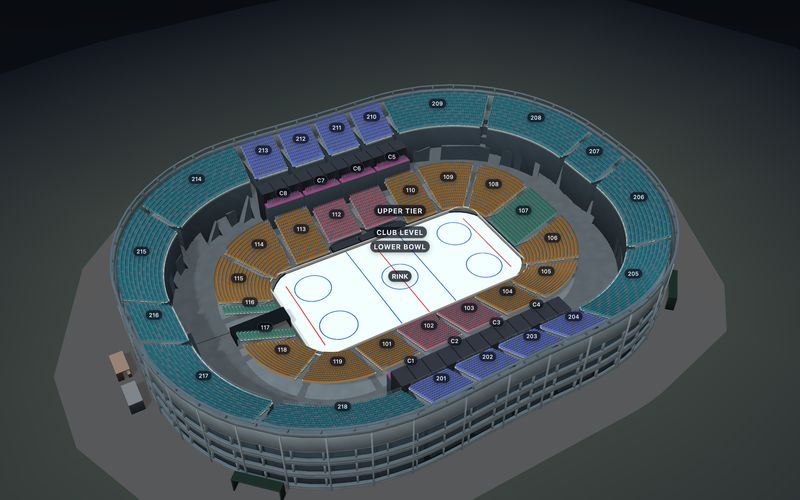
3D11,948 seats
A lower bowl that follows the boards round the rink.
 3D
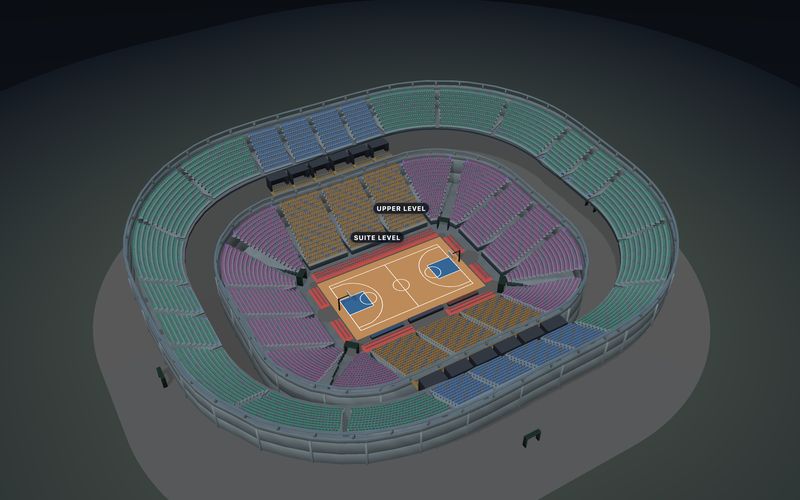
3D10,673 seats
Courtside seats, a lower bowl, suites and an upper level.
 3D
3D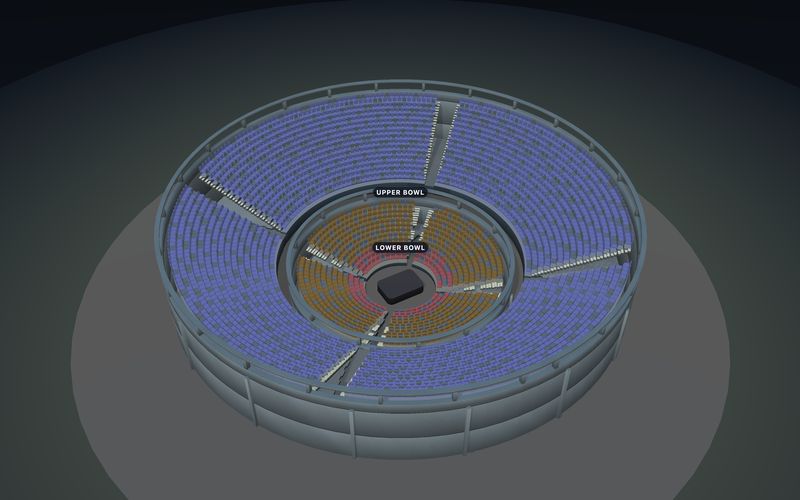
 3D
3D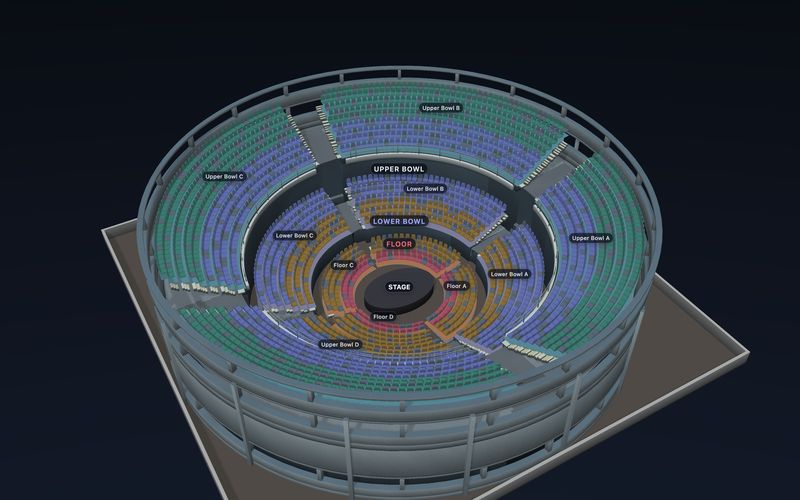
 3D
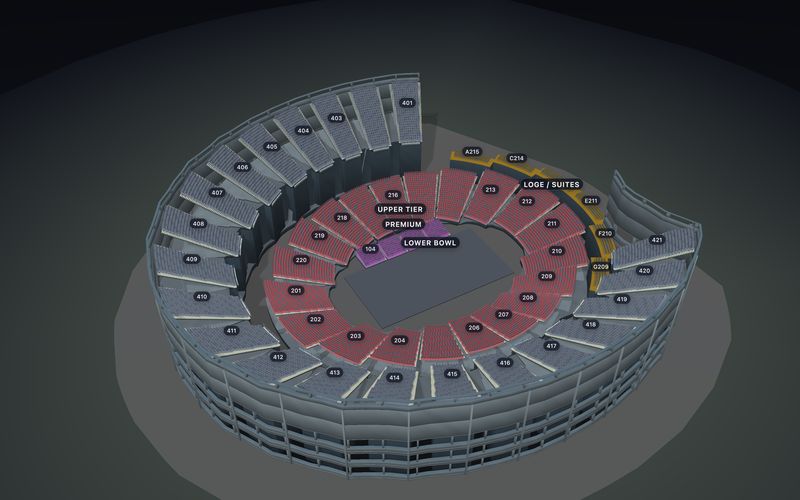
3D2,524 seats
Zoned blocks around a centre stage, with an upper tier.
 3D
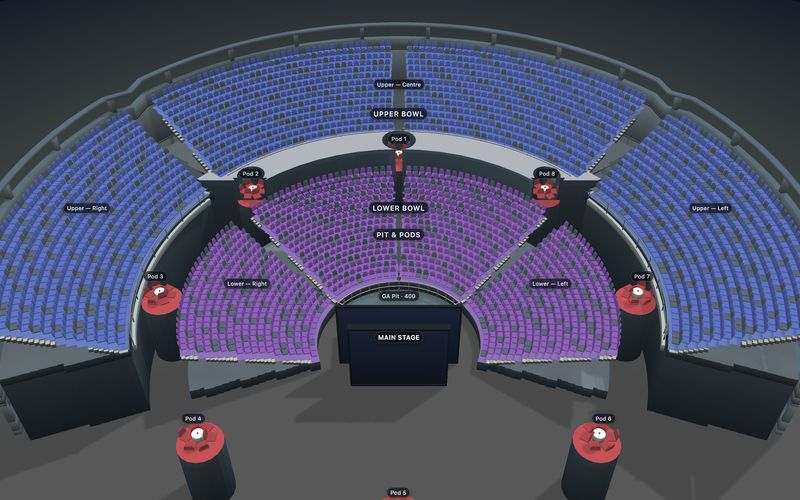
3D3,666 seats
Centre stage, a standing pit and VIP table pods.
 3D
3D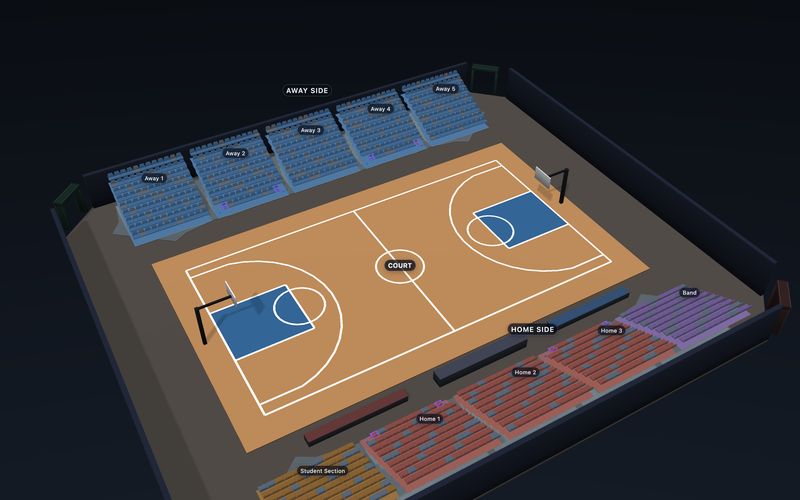
 3D
3D1,080 seats
Home and visitor bleachers, student and band blocks.
 3D
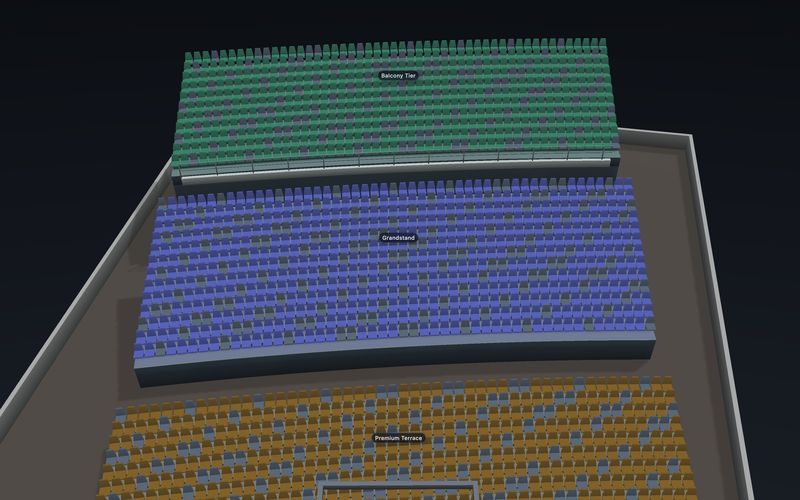
3D1,700 seats
One steep curved section with a rear balcony.
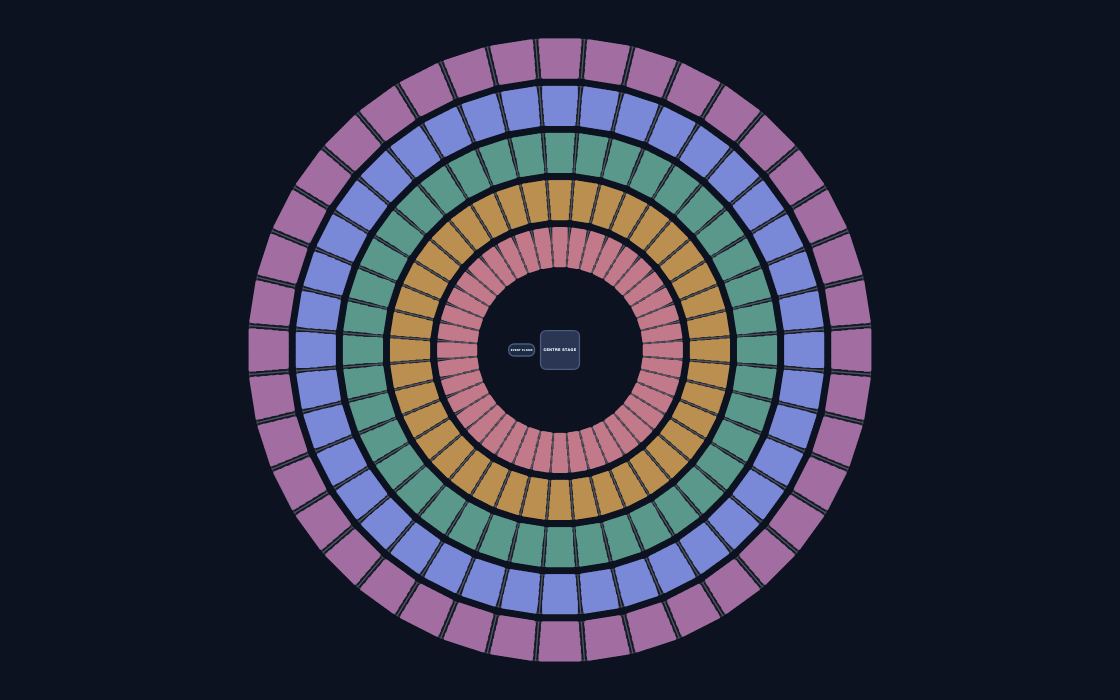
100,000 seats
Our public scale test: a 100,000-seat arena.
 3D
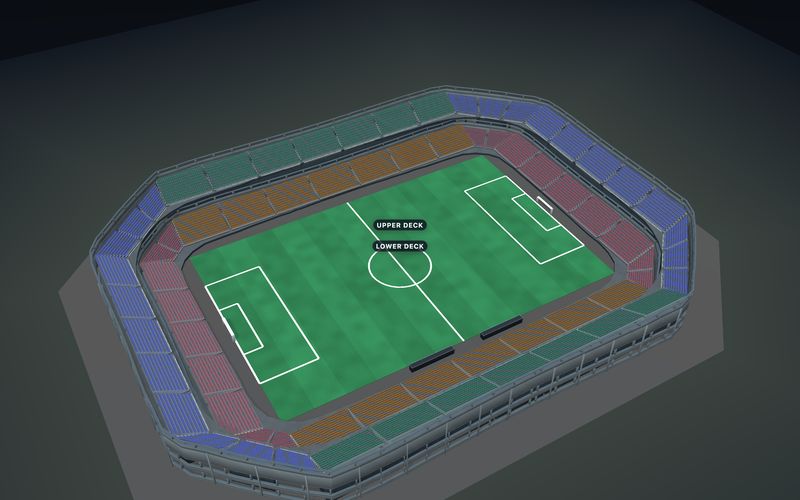
3D16,032 seats
Four stands with lower and upper decks, and corners.
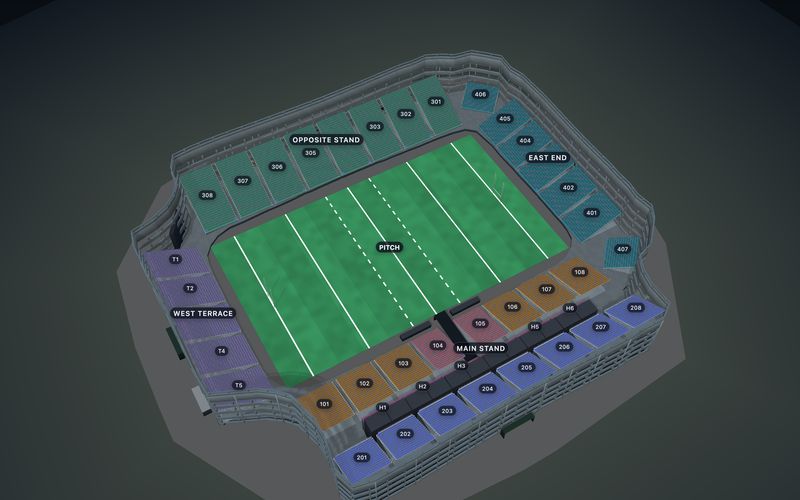
 3D
3D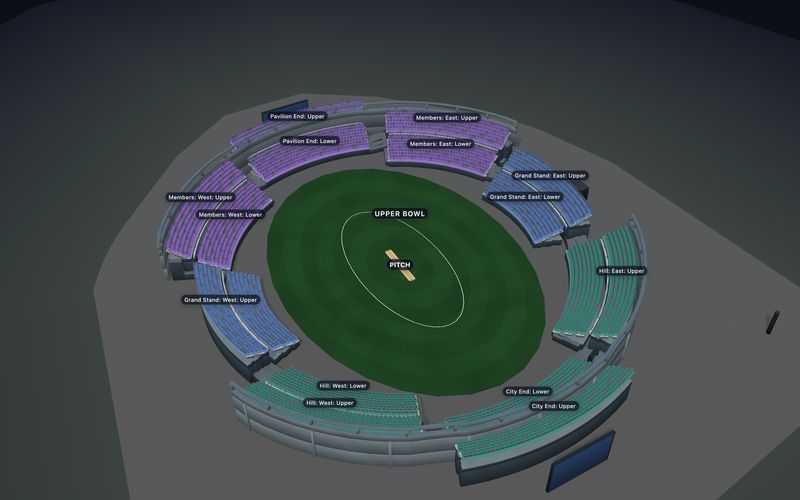
 3D
3D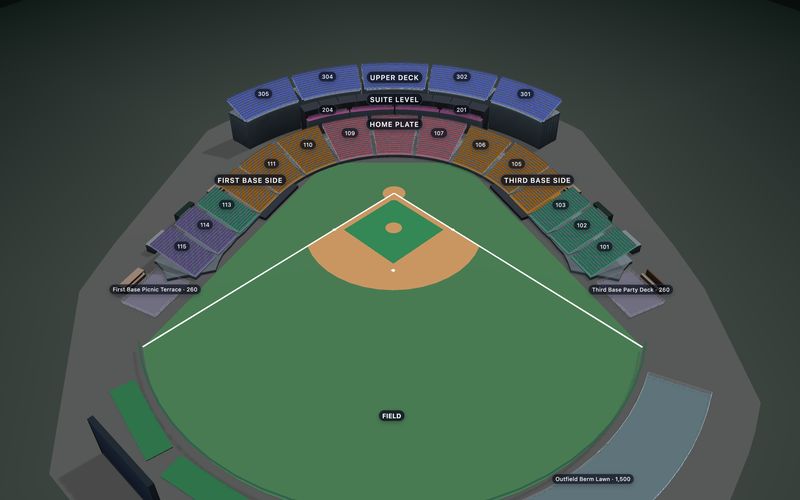
 3D
3D11,991 seats
A grandstand from third base to first, with suites.
 3D
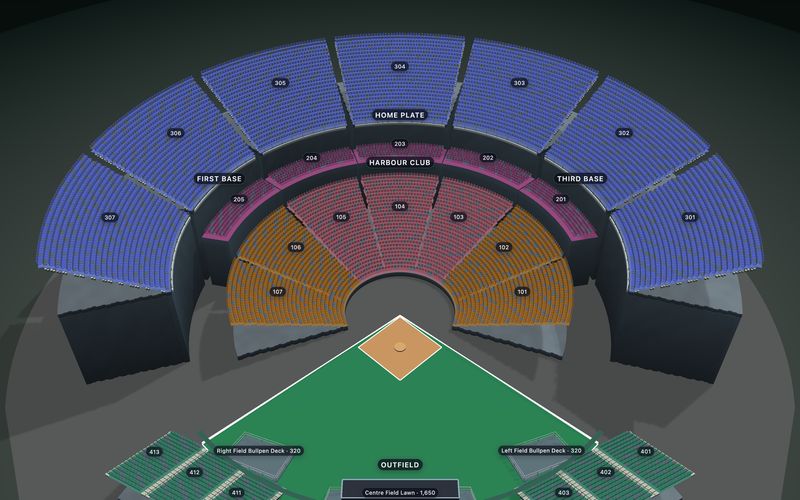
3D14,842 seats
An open ballpark with club level and upper deck.
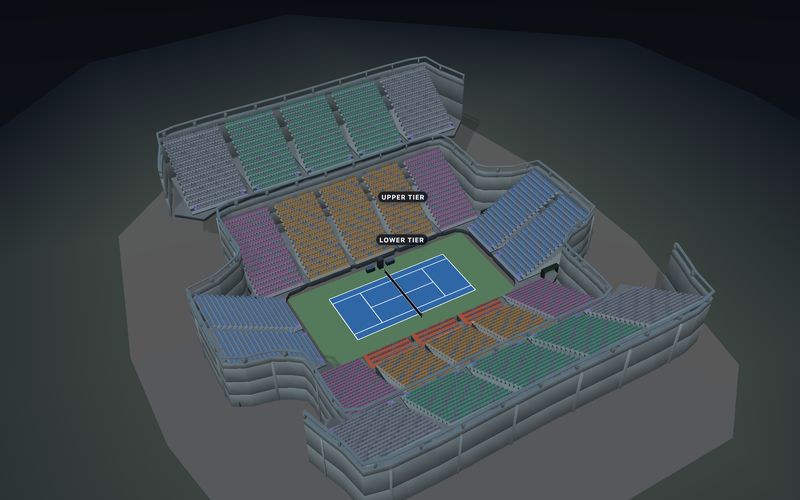
 3D
3D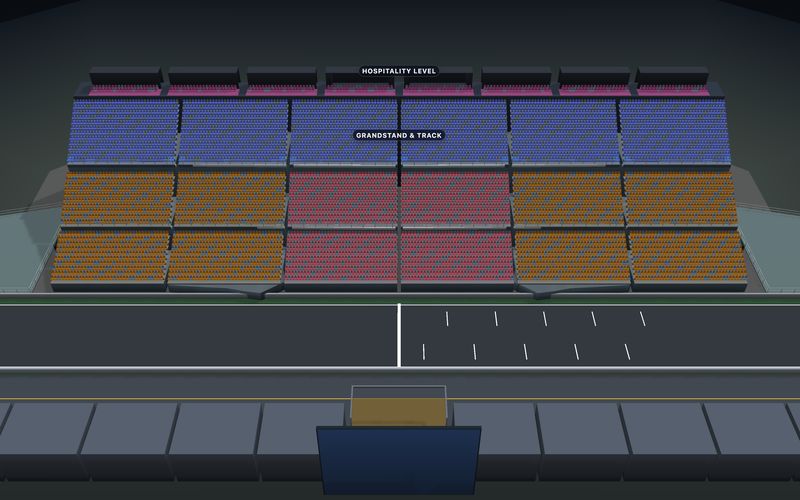
 3D
3D8,948 seats
Three tiers on the main straight, with suites.
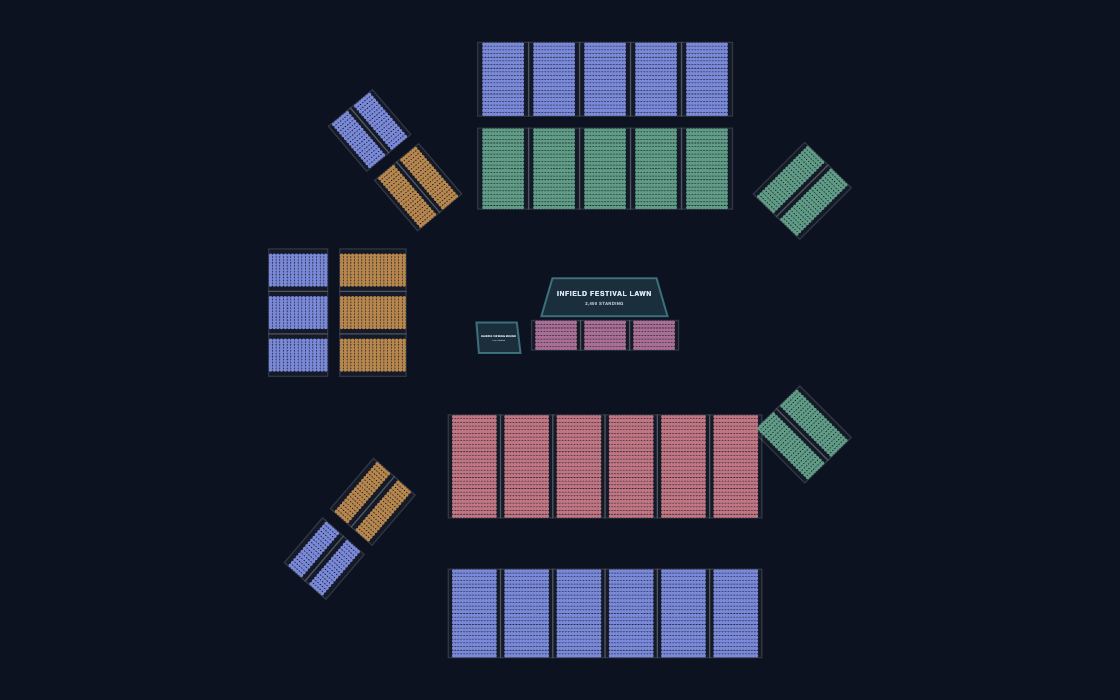
14,152 seats
Main straight, paddock club and trackside stands.
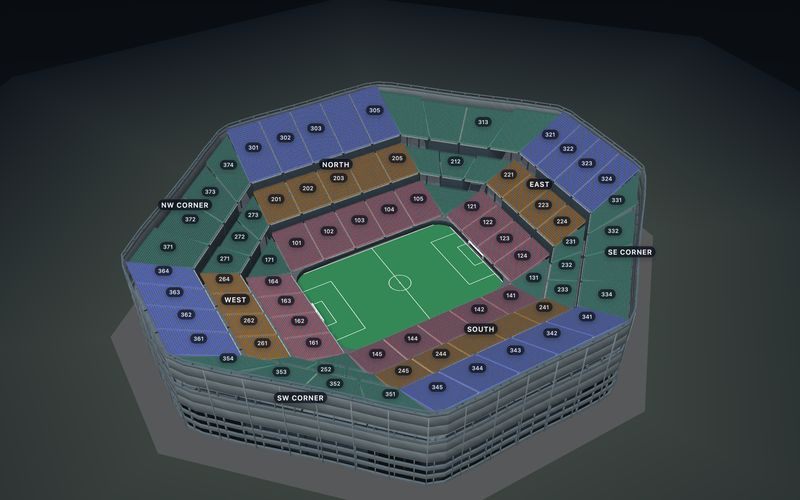
 3D
3D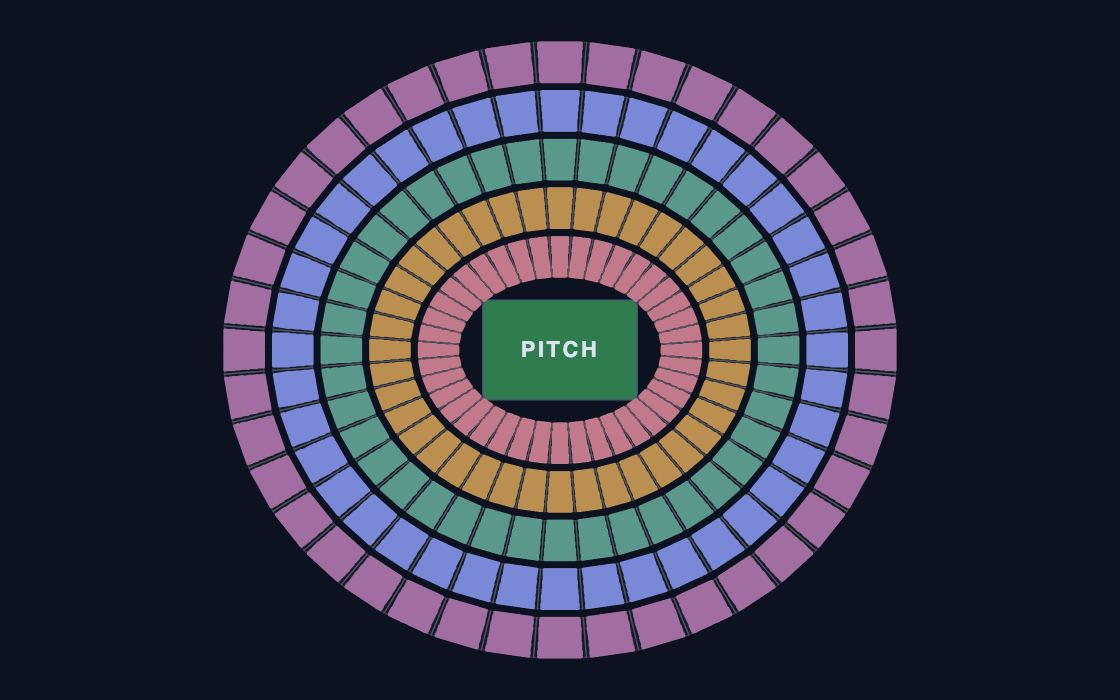
100,000 seats
Our public scale test at 100,000 seats.
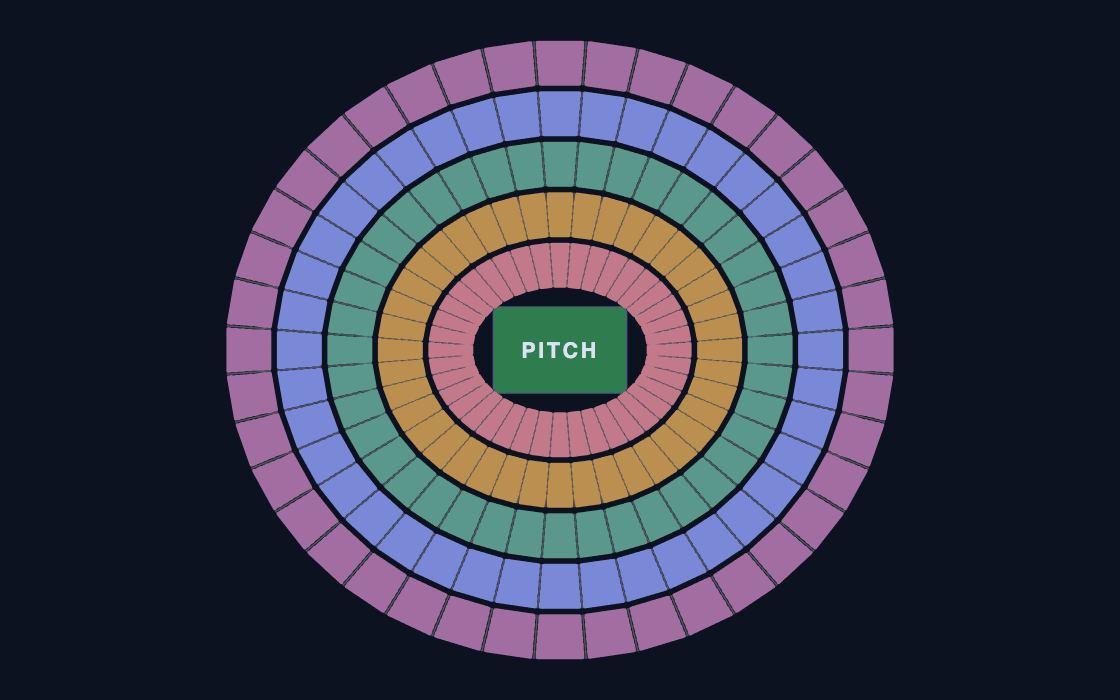
150,000 seats
Our public scale test at 150,000 seats.
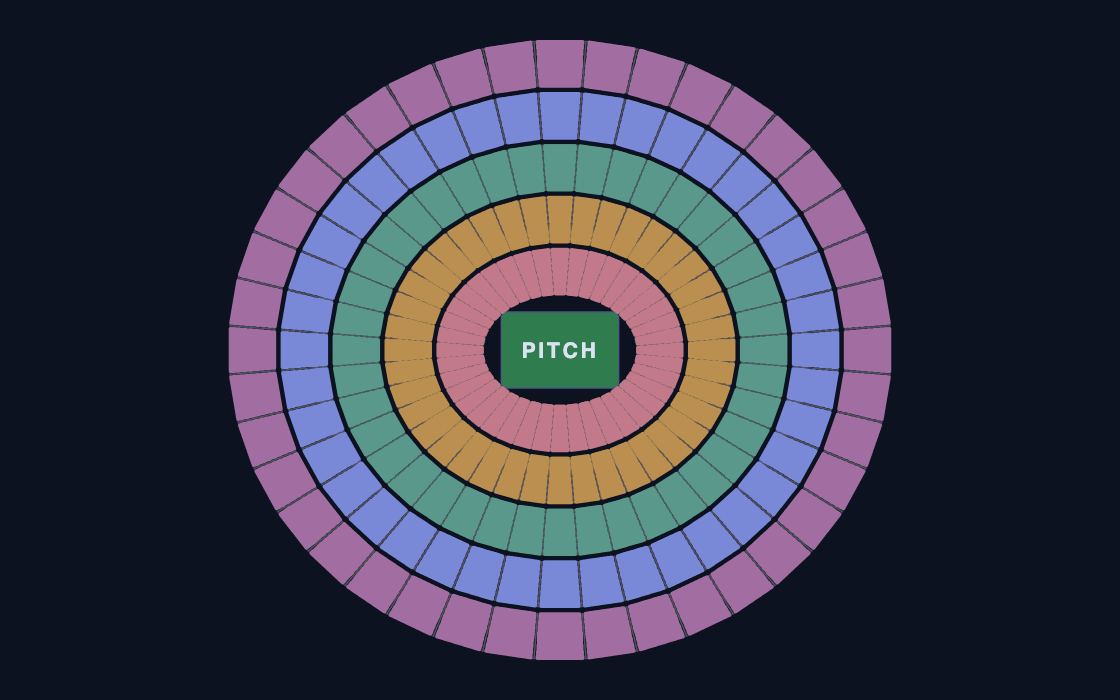
200,000 seats
Our public scale test at 200,000 seats.
The largest templates are public scale tests of 100,000 to 200,000 seats. Open them on your own phone to judge the speed before you pick.
Match the event floor and the number of tiers. Section names and prices change easily.
Use a standing floor with a capacity, or seats on the floor, for each kind of event.
Give suites, courtside, lower bowl and upper tier their own prices.
Publish the chart and sell on your website, at the box office and through partners from one inventory.
Every template is free and nothing is watermarked. The same chart can stay a printed plan or become a live seat map, and buyers can open it as a 3D seat map and see the view from their seat before they pay.
The free maker saves in this browser and downloads PNG, PDF or JSON. It does not sell tickets.
Use the free seating chart maker →Publish the chart and buyers pick seats, pay through your gateway and get tickets. $0.50 a ticket, first 25 free.
Sell tickets on your website →Render the chart with the JavaScript, React or mobile SDKs. Your server keeps checkout and orders.
See the SDK →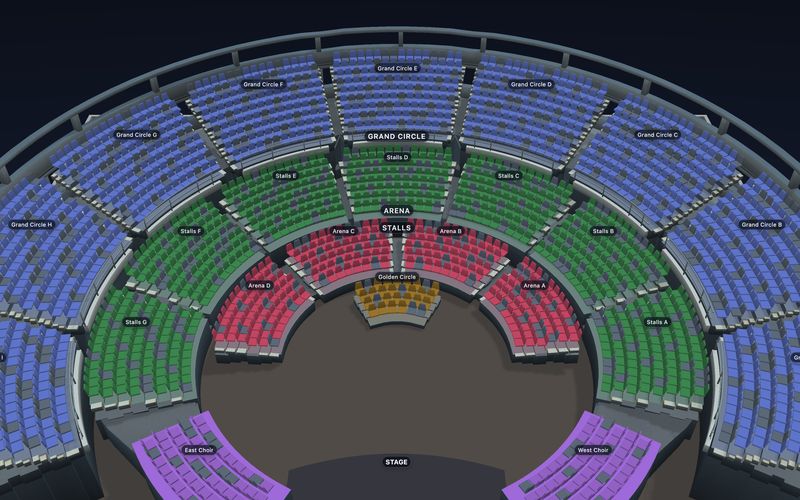 Theater seating chart templatesProscenium houses, thrust stages, black boxes, opera houses and concert halls, with stalls, circles and boxes already drawn.12 templates →
 Table seating chart templatesRound tables for banquets and galas, long tables for boardrooms, and cabaret rooms that mix tables with rows.9 templates →
 Wedding seating chart templatesStart from a reception with round tables and a head table, or a ceremony with rows either side of the aisle.6 templates →
Free in the Designer, no account needed. Change anything, then print it or start selling seats.