How is SeatLayer different from seats.io and ticketing platforms?
SeatLayer builds its own seat map engine and sells tickets on it. Seat map SDKs such as seats.io have no ticketing or payments, and many ticketing tools use a third-party seat map. With SeatLayer one account covers checkout on your website with your own payment gateway, the box office, door check-in, and the SDK for your own product.
Can I start with hosted ticketing and move to the SDK later?
Yes. Keep the same account and the same chart. Sell on SeatLayer checkout first, then create new events under the SDK and embed the seat picker in your own product with your own checkout. Each event uses one of the two, so a live sale never changes hands halfway.
Is SeatLayer for small events?
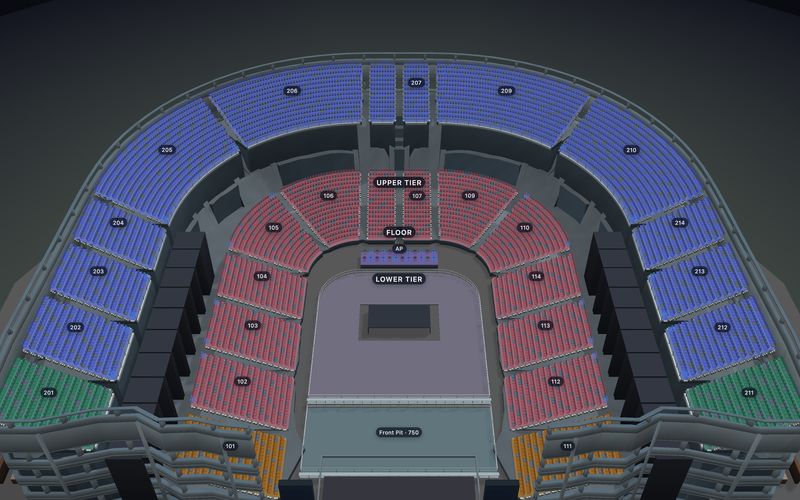
Yes. The same engine renders a 300-seat studio theatre and a 200,000-seat stadium fixture; a small room is simply the easy case. Hosted Ticketing is self-serve from the first event, and Platform/SDK organizations get 100 free confirmed sold seats every month.
Do I need to be a developer?
Not for Hosted Ticketing. You design the chart, create the event, connect your own payment gateway and paste one block into your website. Platform SDK is the developer path: you embed the picker in your own product and keep your checkout.
Where does the money go?
The buyer pays through your own payment gateway, connected to your event. Your provider controls processing fees, applicable taxes and payout timing. SeatLayer bills its own Hosted Ticket charge separately; it is never part of the buyer's payment.
What is the largest venue you support?
There is no published ceiling. Public 100,000-, 150,000- and 200,000-seat venue fixtures were benchmarked on 15 September 2026, with 200,000 seats chart-ready in 1.95 s at 57.6 FPS zoom and 60.0 FPS pan on a desktop production build. Open the public 200,000-seat stadium demo to explore the same scale live. Fixtures, method and SHA-256 manifests:
github.com/seatlayer/seatlayer-performance. Renderer evidence is not a concurrent-buyer capacity claim.
Does the embedded SDK replace my checkout?
No. In an embedded integration, your application keeps buyer identity, checkout, payment, tax, refunds, order records, and ticket delivery. SeatLayer handles venue geometry, seat selection, holds, live inventory, booking, and signed webhooks.
What is interactive seating chart software?
Interactive seating chart software lets a team design reusable venue geometry, embed current seat availability, create temporary holds, and confirm bookings through an API. SeatLayer builds that software itself and also sells tickets on it: hosted checkout on your own website, or the same seat map inside your product through the SDK.
Does the 3D seat map replace the 2D map?
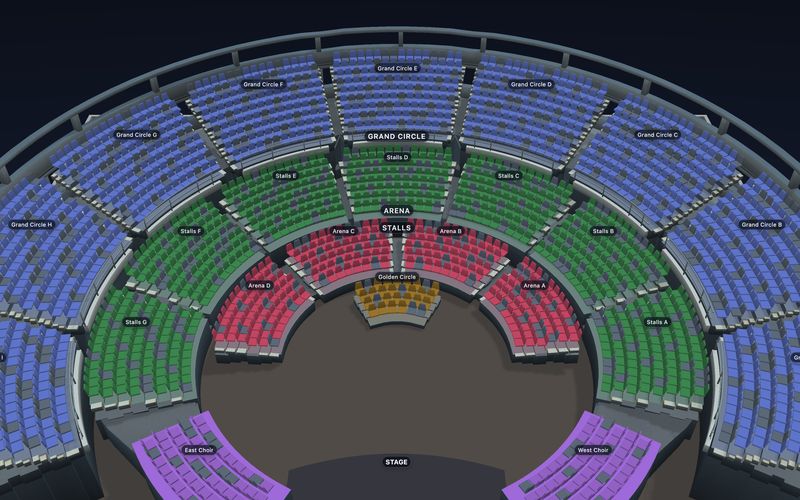
No. The complete 2D map remains available. Optional 3D uses the same published chart and selection state, loads only after a visitor asks for it, and is offered when WebGL2 and the evaluated browser context support it.
Is SeatLayer a ticketing marketplace?
No. SeatLayer is not a marketplace and is not a general-admission-only ticketing tool. If you already sell through a platform, check what it covers before moving the seat map elsewhere. For example, read what
Eventbrite reserved seating already covers.How does SeatLayer pricing work?
Start real production sales with $0 upfront: every Platform/SDK organization receives 100 free SDK sold-seat credits each month. After that, one credit is used for each newly confirmed sold seat; rendering, holds, releases, house blocks, and unsold inventory are free. The first paid pack is $50 for 500 credits (10¢ each), with no standard subscription or minimum commitment. Purchased credits do not expire, and the “Powered by SeatLayer” badge is removed automatically after your first credit pack at no extra charge. Hosted Ticketing is billed separately at $0.50 per confirmed Hosted Ticket.
Can an AI assistant help a buyer find and select seats?
Yes. Opt-in buyer WebMCP lets a compatible in-browser assistant inspect an event, find adjacent seats within a budget, select seats and read the selection. Optional holding uses the normal checkout handoff; there is no payment tool. Designer MCP separately authorizes agents to edit a chosen chart, and the public knowledge MCP supplies read-only integration guidance.